How it works
Three simple steps
One shared calendar and one shared list. You both see the same plan, so nothing gets missed and nobody has to keep track alone.
-
Share a calendar and a board
Set up one shared Google Calendar and one shared Trello board, the honey-duo board, for your household.
-
Tell Duobot what to add
Say what you need: a grocery item, a bill, a gift idea, a trip. Duobot puts it in the right list and on the calendar.
-
Your bots work from one shared plan
Your bots work from one shared Google Calendar and one shared Trello board. Anything Duobot drafts is for your approval first. Nothing is sent without you.
What you get
A list for every part of life together
Your honey-duo board comes with eight lists, so everything has a place.
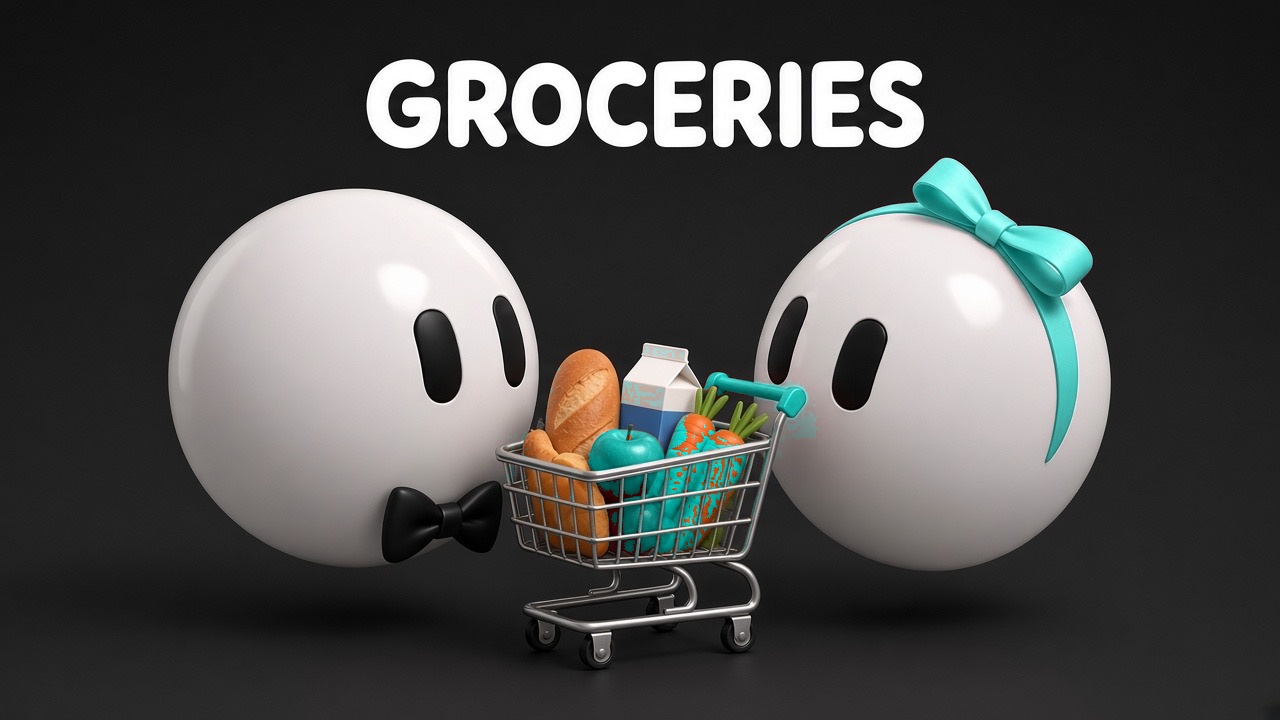
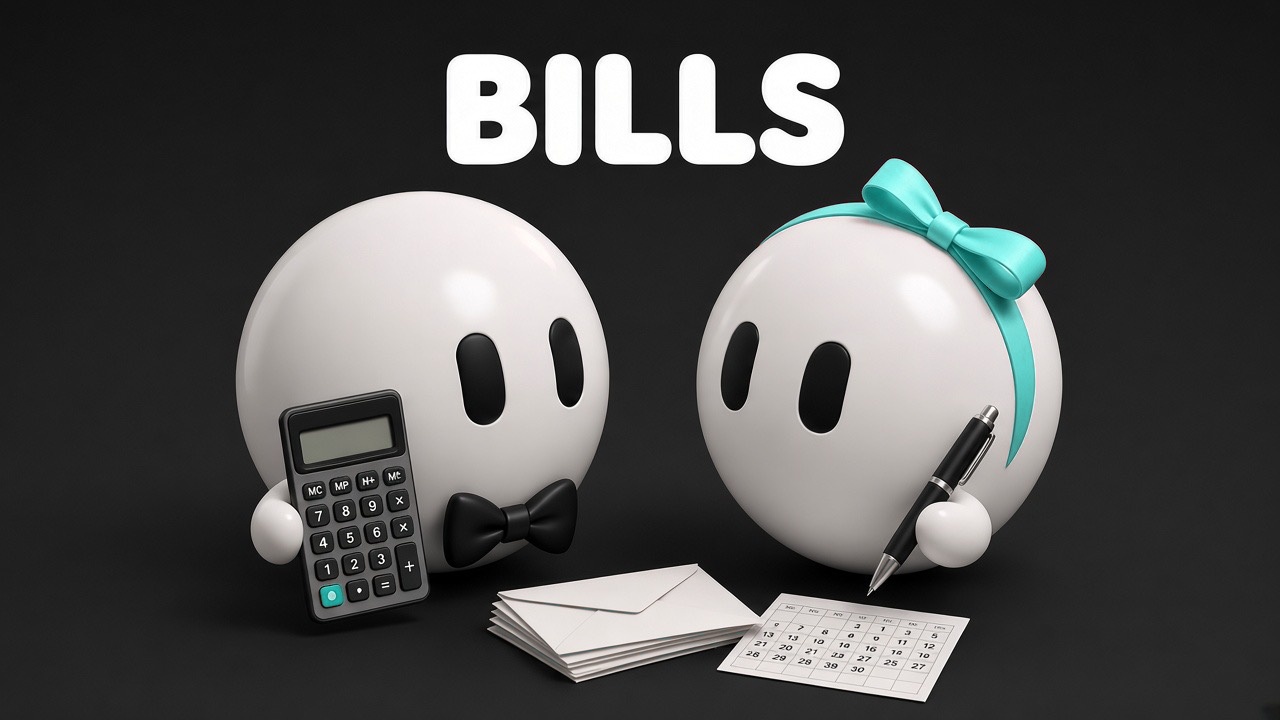


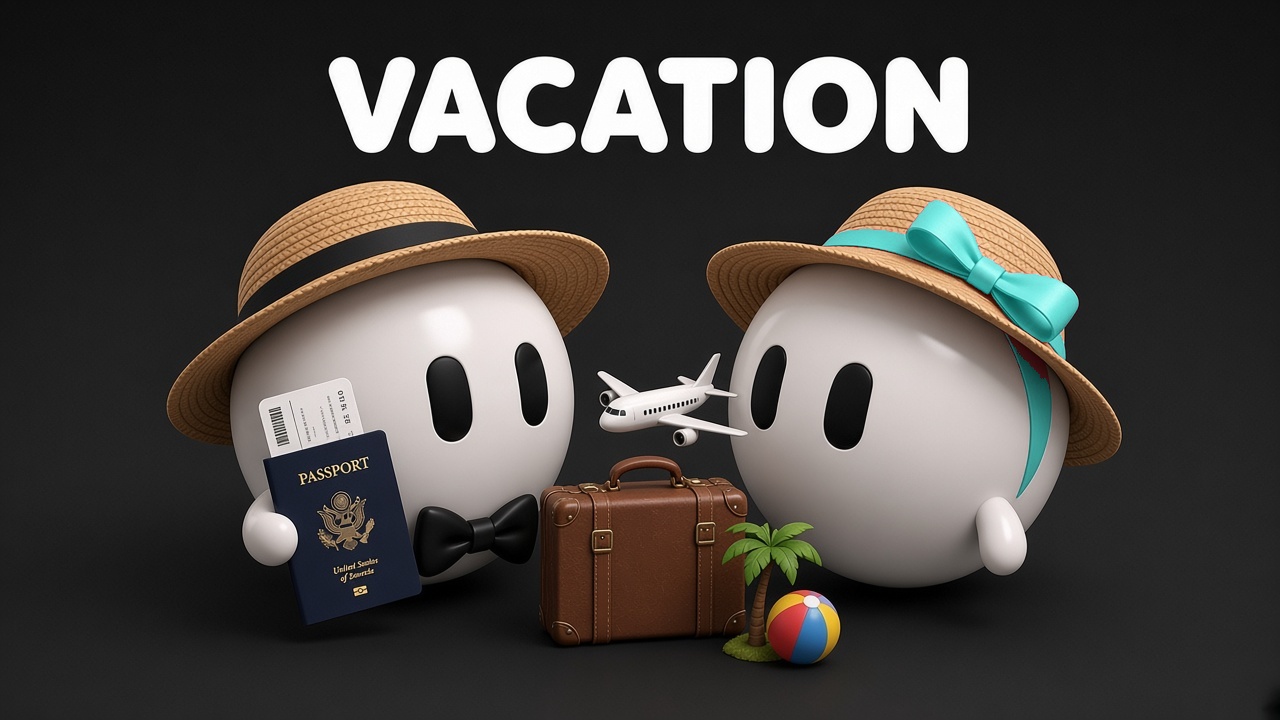
- Weekly check-inA quick weekly summary so you both know what's coming up.
- Quick captureJot something down in a sentence and Duobot files it for you.
- Bill and date remindersFriendly heads-ups before a bill is due or a special date arrives.
Free for your board
Trello card covers
Make your own board look like ours. Download a cover for each list, then in Trello open a card, choose Cover, and upload the image. Free to use on your own boards.
Download all covers and background

Board background
In Trello, open Board menu, choose Change background, then Upload a custom background. Size is 2560 x 1440.
Download backgroundPrivacy and control
You decide. Duobot prepares.
Duobot drafts and prepares. You approve. Every message Duobot drafts is for your approval first, and nothing is sent without you. Bills have no auto-pay, and Date Night never books without your okay.